

The front door to your hiring journey
Getting people to click Apply is only part of the job. What happens before and during the application shapes who comes through the door and what your team has to work with afterwards.
Reach ATS lets you shape that journey around the vacancy, from where it appears to what candidates are asked, so applications arrive with the right information for the next stage.
From open role to active applicant
Shape the vacancy
Start with the role, what candidates need to know and the information your team needs to collect when they apply.
Create the advert
Turn the vacancy into clear recruitment content, with Reach Intelligence available to help draft or refine the advert before your team publishes it.
Take it to market
Publish the vacancy through your careers experience and connected advertising channels, with Reach Online available when you want extra campaign support.
Give candidates a clear way in
Keep the employer brand, vacancy and application experience connected so candidates can move naturally from discovering the role to applying.
Collect what the role needs
Use application forms, screening questions and supporting documents that suit the vacancy instead of asking every candidate for exactly the same information.
Bring applications into Reach
Once submitted, applications arrive against the vacancy inside Reach ATS, ready for your recruitment team to begin the shortlisting process.

Put the role where candidates will actually find it
Different roles earn attention in different places. Reach ATS lets your team publish vacancies across your careers experience and connected job boards while keeping the advert and applications together.
When you need extra with candidate sourcing, Reach Online adds managed advertising, media planning, media buying and campaign optimisation around the role.

Your employer brand should survive the Apply button
A polished careers page loses its effect quickly if the application suddenly feels generic or disconnected.
Reach ATS keeps branded careers pages, applications and the Candidate Portal connected, helping your employer brand carry through the journey while the vacancy, application and candidate record stay connected behind the scenes.

Not every role needs the same way in
A care worker, teacher, graduate and finance director rarely need exactly the same application journey.
Reach ATS supports different forms, screening questions, document requirements and quicker application routes by vacancy, so teams can collect more detail where it matters and remove unnecessary steps where it does not.

A good candidate should not disappear with the vacancy
Candidate attraction does not always need to start with a new advert.
Reach ATS helps teams build talent pools, return to previous applicants and keep relevant candidates connected to future opportunities, making it easier to re-engage people when the right role appears.

Keep the work moving without working every step by hand
Candidate attraction comes with plenty of small tasks that become repetitive at scale.
Reach ATS can automate acknowledgements, communications, alerts and workflow actions around the process your team has configured, leaving predictable administration in the background while decisions that need judgement stay with people.

Sharper recruitment content, still on your terms
Writing a strong advert should not mean beginning with a blank page every time.
Reach Intelligence can help create or refine job descriptions and adverts using your organisation’s context and tone. Your team reviews, edits or discards the suggestions before anything is published.
A smoother process on both sides
For your recruitment team
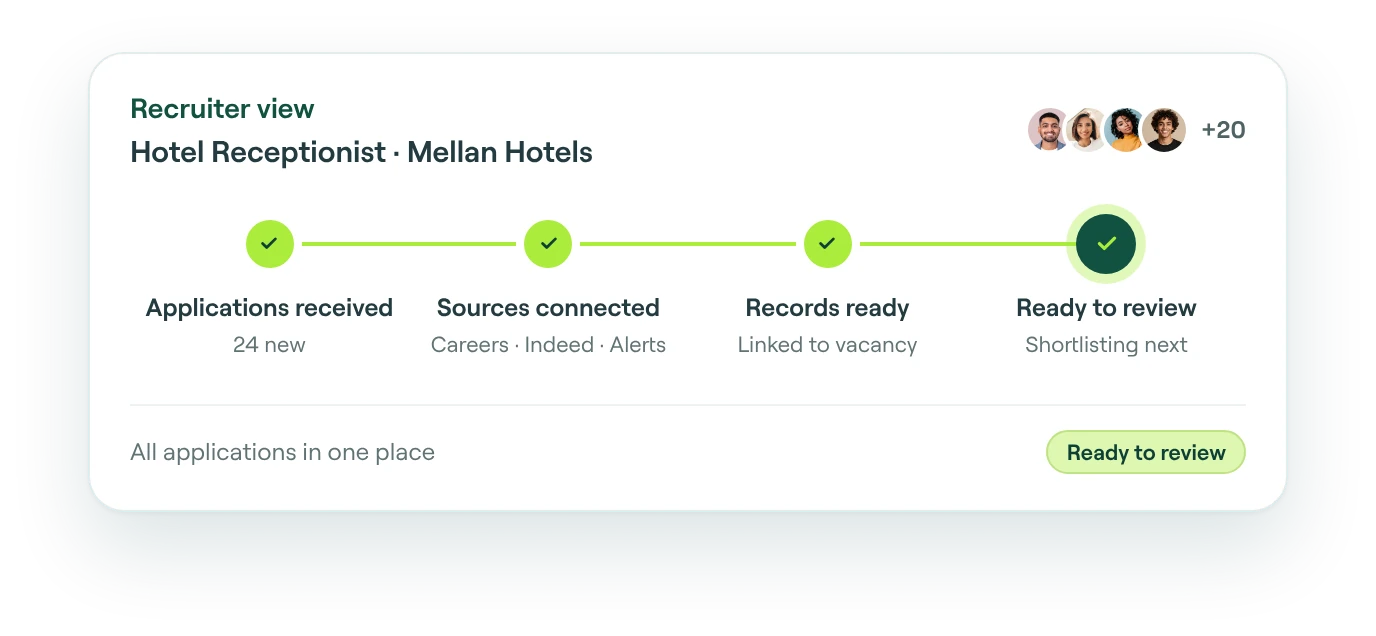
Vacancies, advertising routes, application requirements and candidate records stay connected.
Your team spends less time rebuilding adverts, transferring information between tools or tracing applications, and more time working with the candidates who respond.
For candidates
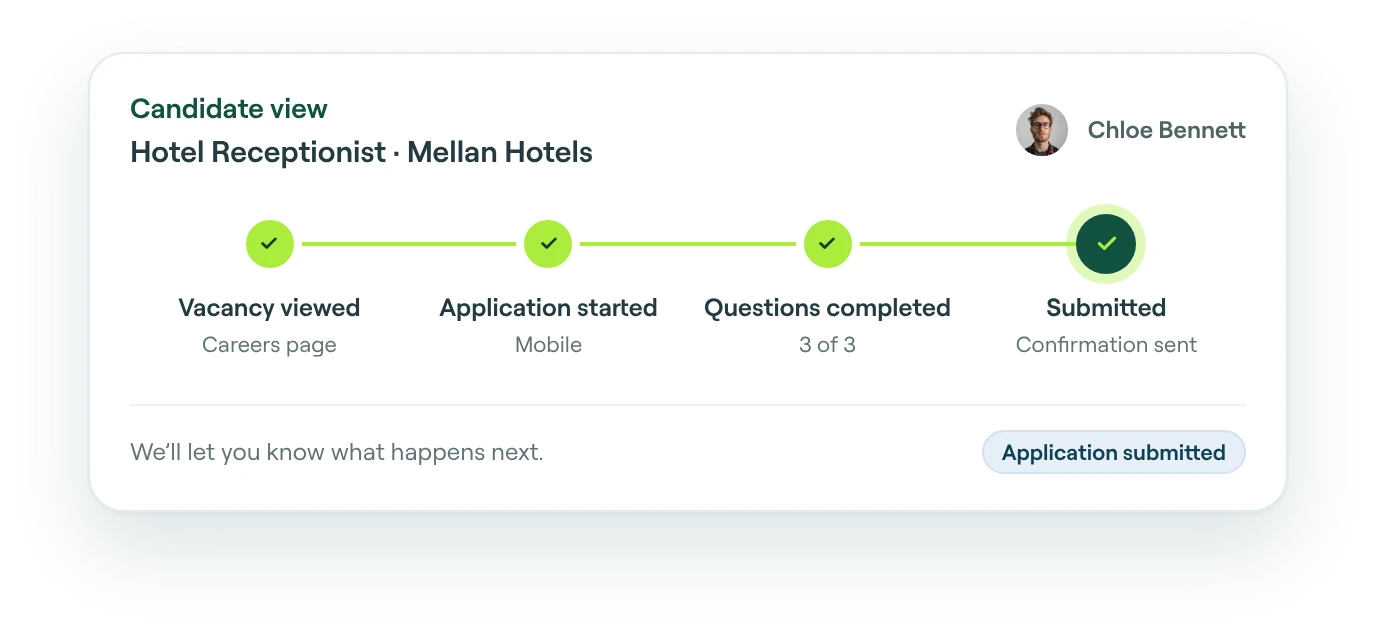
Candidates see a vacancy that reflects your organisation and follow an application route suited to the role.
The experience stays clear across devices and different accessibility needs, without feeling detached from the organisation they originally chose to apply to.
One platform. Different ways in.
Different sectors hire in very different ways. Reach ATS can shape attraction around the roles, volumes and candidate journeys your organisation needs.
Education
Healthcare
Entertainment & Leisure
Professional Services
Non-Profits
Manufacturing
Legal
Sports
Everything you can use for candidate attraction
Explore the Reach ATS tools that help take a vacancy from ready-to-publish to ready-to-shortlist.

Branded Careers Pages
Present your vacancies through a clear, branded candidate experience that stays connected to Reach ATS.

Multi-channel job advertising | Reach Online
Reach more candidates through leading job boards, recruitment websites and specialist channels, all managed through Reach.

Configurable Application Forms
Create application forms around the information you actually need, without making every candidate complete the same journey.

Talent Bank
Keep suitable candidates within reach, then search your Talent Bank when the right vacancy comes along

Incomplete Application Chasing
Find unfinished applications and follow up with candidates before they disappear from the hiring process.

Job Alerts
Let candidates subscribe to vacancy alerts and hear from you when relevant new roles become available.

Internal Careers Portal
Give employees a clear route to explore internal vacancies, while keeping applications connected to your wider recruitment process.

Recruitment Agency Portal
Give approved agencies a clear way to submit candidates, while your team keeps every application connected to the right vacancy in Reach ATS.

Source Tracking Links and QR Codes
Create tracked application links and QR codes for different recruitment sources, then let Reach record the source automatically.

Applications are in. Now bring the right people forward.
Candidate attraction gets people into the process.
Shortlisting brings applications, screening and hiring-team collaboration together so your team can decide who moves forward.
See candidate attraction as part of the whole hiring journey
FAQs
Candidate attraction covers the stage where an organisation advertises a vacancy, gives candidates a way to apply and collects those applications inside Reach ATS. Once submitted, the application is ready for the shortlisting process configured for that vacancy.
Yes. Reach ATS can support different application forms, questions and candidate journeys depending on the vacancy and recruitment process.
Yes. Reach ATS supports multi-board job posting through connected advertising channels, so teams do not need to recreate the same vacancy separately for every job board.
Reach offers a managed job advertising service called Reach Online, that provides media planning, media buying and campaign optimisation alongside the ATS.
Yes. Reach Intelligence can help create or refine job descriptions and adverts. Your recruitment team reviews the content and decides what is ultimately published.
Yes. Reach ATS supports branded careers pages that can reflect your organisation while staying connected to the vacancies and applications managed inside Reach.
Yes. Reach ATS supports application journeys designed to work across modern devices, including mobile.
Yes. Application forms, questions and supporting information can be configured around the requirements of different vacancies.
Yes. Reach ATS supports accessible candidate experiences designed around clear navigation, readable content and usable interactions.
Yes. Candidate database and talent-pooling tools help organisations retain and organise appropriate candidate information for future recruitment, subject to their privacy and data-retention processes.
No. Reach can automate administration and provide AI-assisted tools, but hiring decisions remain with the organisation and the people responsible for recruitment.
Their application enters Reach ATS ready for shortlisting. From there, the recruitment team can review and progress candidates through the workflow configured for that vacancy.